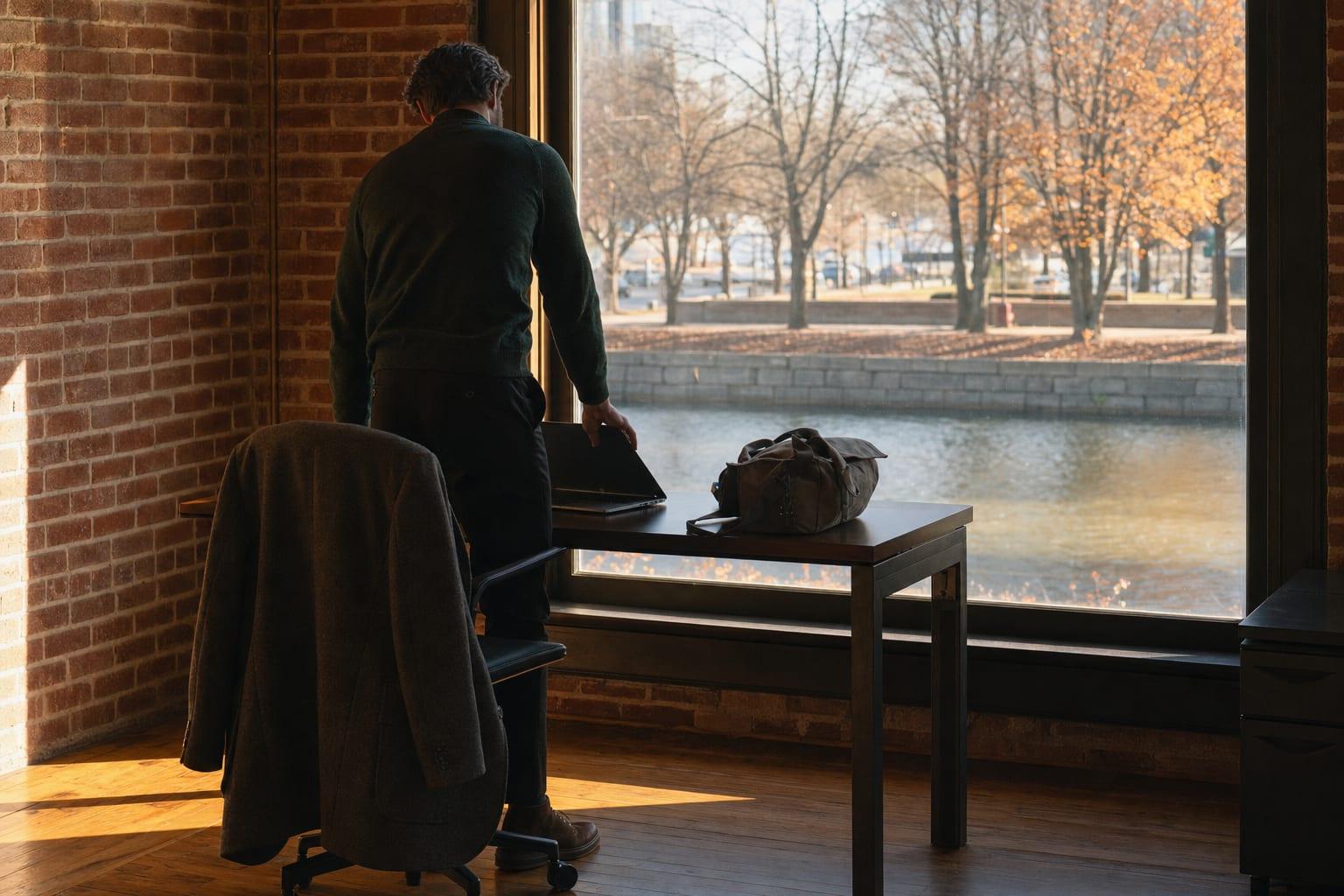
Meetings That Start on Time
Conference Room Audio Visual in Grand Rapids
Ten minutes of 'can you hear us' adds up.
Audio Visual Installation for Grand Rapids Conference Rooms
Audio visual installation in Grand Rapids equips a conference room with a display, camera, microphones and speakers that join a Teams or Zoom meeting with one touch. Rooms are sized so remote callers hear everyone. Email contact@itservicesgrandrapids.com with your room size for a custom quote.
You know who gets called when the meeting room will not connect. You do. Usually with a client waiting on the far end and six people staring at a blue screen.
The cure is boring on purpose. One cable or one button, the same in every room, with a card on the table that nobody needs after a couple of meetings. Good AV is the kind people stop noticing.
Why Choose Us for Conference Room AV?
Same in Every Room
Staff learn one way to start a meeting.
Sized to the Room
Equipment is chosen from measurements, not from a catalog bundle.
Tested With a Real Call
Handover includes a live call so you hear what the far end hears.
Tied Into the Network
Room devices are added to monitoring like any other equipment.
What Conference Room AV Includes
Room size decides nearly everything. A four-seat huddle room and a twelve-seat boardroom need different microphones, not the same kit turned up louder.
Display
A screen sized to the room so the back row can read a spreadsheet.
Camera
A wide lens for small rooms, or a camera that frames the speaker in long ones.
Microphones and Speakers
A video bar for small rooms. Ceiling or table microphones when the table is long.
One-Touch Join
A table controller or a single cable that starts the meeting without a login hunt.
Wireless Sharing
Guests put a laptop on the screen without installing anything.
Cable Paths
Power and signal routed through the wall or floor, not taped across the carpet.
How an AV Install Works
Room Survey
Dimensions, seating, windows and wall construction are recorded.
Design
Equipment and cable routes are chosen for that room.
Quote per Room
Each room gets its own priced list.
Install
Displays are mounted, cable is concealed and devices are configured.
Live Test and Training
A real call is placed and staff practice joining and sharing.
Talk to a Grand Rapids Managed IT Team
Room length, width and seat count. That is the whole request.
Call (616) 797-9906Get a Free Quote
No obligation.
Conference Room AV Cost
| Room Type | Price | What Sets the Price |
|---|---|---|
| Huddle room | Custom quote | Display size and video bar model |
| Standard conference room | Custom quote | Seat count, microphones and mounting |
| Boardroom or training room | Custom quote | Room length, ceiling type and number of displays |
AV is quoted per room after measurements. Ask for equipment, installation and any room-license fees as separate lines.
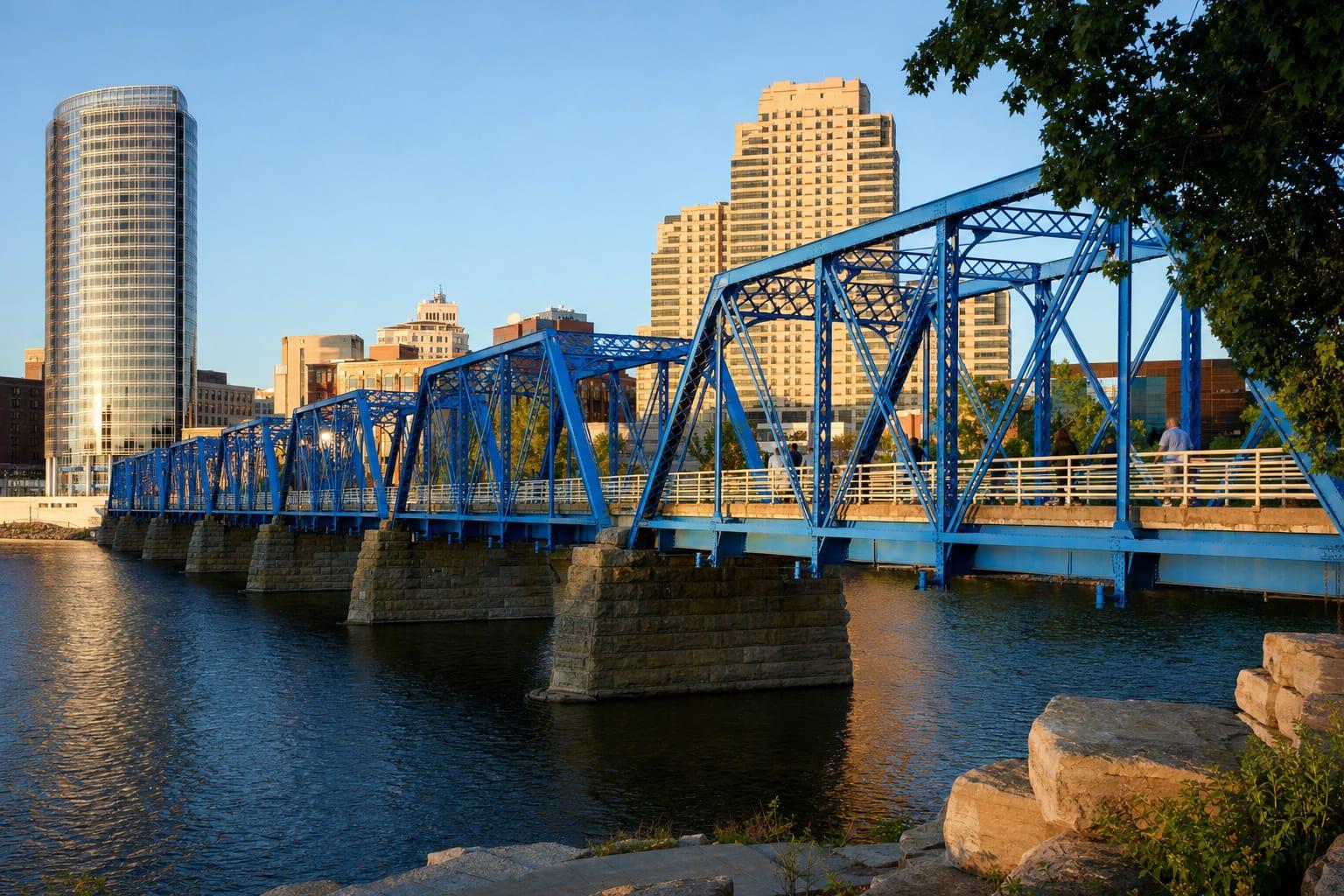
IT Services Grand Rapids Is Proud to Serve Michigan
Conference Room AV Questions
What does a conference room AV system include?
A conference room AV system includes a display, a camera, microphones, speakers and a way to start the meeting, usually a table controller or a single cable. Larger rooms add ceiling microphones and a second display.
What is the difference between a Teams Room and a Zoom Room?
A Teams Room and a Zoom Room are the same idea on different platforms. Each is a dedicated room system that joins meetings with one touch. Pick the one your company already uses for calendars and chat.
How big should a conference room display be?
A conference room display should be large enough for the farthest seat to read normal text. Measure from the screen wall to the back chair and let the installer size from that. A long room may need two displays instead of one huge one.
Can existing conference room equipment be reused?
Existing displays and mounts can often be reused if they are in good condition and have the right inputs. Older cameras and speakerphones are the usual weak point. A room survey sorts what stays from what goes.